

Many young people are glued to their screens, endlessly scrolling on social media.
By the time they’re 14, almost half of kids use three or more social media apps, where they’re exposed to potentially harmful content. Eight in 10 teens on social media report seeing posts that spread or promote conspiracy theories.
Yet, teens increasingly are trying to take control of their scroll and log off more often. Tangible resources give students a break from their screens and complement their learning in a digital world.
The News Literacy Project offers plenty of printable handouts, tools and activities for “unplugged” learning. Use them to help students think critically about responsible news and media use, without adding to their screentime.
START HERE
What does offline news literacy learning look like? Can I see an example?
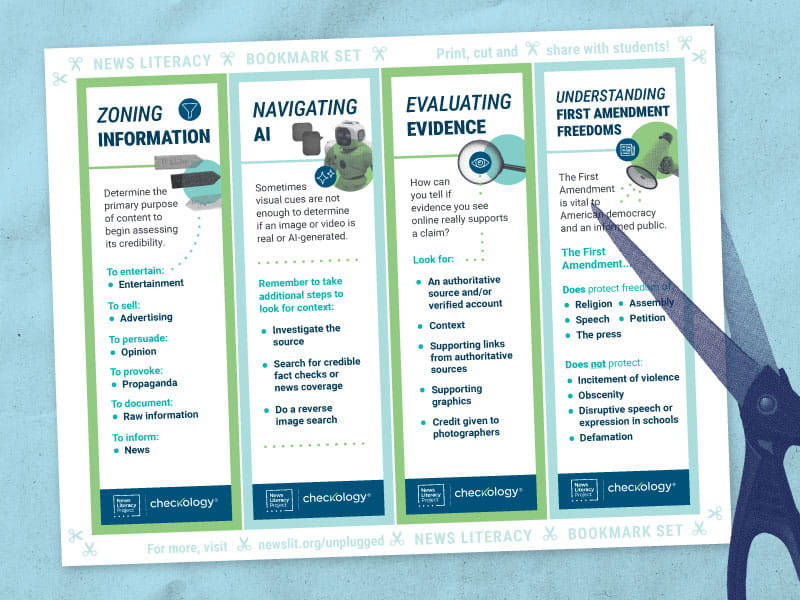
Check out our “unplugged” printables — a bookmark set and two foldable zines — for educators and families to bring a taste of news literacy instruction offline. They correspond with interactive lessons and full-size infographics available for FREE on our Checkology® virtual classroom (and linked further down on this page).
Where can I access comprehensive, high-quality printable news literacy resources?

The Checkology® virtual classroom contains hundreds of FREE, standards-aligned, classroom-ready activities — including many that easily can be printed and distributed. Securely sign in via Clever, Google or Microsoft.
👉For a full list, use the filters within Checkology to narrow your search to infographics/posters, lesson unit/plans and reading guides.
👉Use these printable resources as precursors to interactive Checkology lessons, to get students focused; or as follow-up work to reinforce takeaways.
What printable resources do you recommend for teaching about different types of information?

Six zones of information [English] / Infozonas [Spanish]
Classroom Activity: Is it checkable?
Dig Deeper: How can you use news literacy skills to analyze an article?
💡 Mindful screen use tip: Use the interactive lesson “InfoZones” as a one-to-many activity to promote in-person class discussion.
What printable resources do you recommend for teaching about AI?
6 things to know about AI
Dig Deeper: What is AI?
Dig Deeper: How can you protect yourself from AI chatbots?
💡 Mindful screen use tip: Use the interactive lessons “Introduction to Algorithms” (grades 6-12) or “For Elementary: Search and Suggest Algorithms” (grades 3-6) as one-to-many activities to promote in-person class discussion.
⭐ CONNECTED CONTENT: Visit our Teaching about AI page for more resources.
What printable resources do you recommend for teaching about evaluating evidence?
Levels of scientific evidence
Arguments & Evidence
Is it legit? Five steps for vetting a news source
💡 Mindful screen use tip: Use the interactive lessons “Arguments & Evidence” and “Evaluating Science-Based Claims” as one-to-many activities to promote in-person class discussion.
What printable resources do you recommend for teaching about the First Amendment?

The First Amendment
Dig Deeper: Pulitzer Prizes for journalism: What makes a piece worthy of a Pulitzer Prize?
Dig Deeper: What is the role of local news in American democracy?
💡 Mindful screen use tip: Use the interactive lesson “The First Amendment” as a one-to-many activity to promote in-person class discussion.
⭐ CONNECTED CONTENT: Our Teaching about freedom of the press page features more resources on this topic.
What printable resources do you recommend for teaching about the information ecosystem?
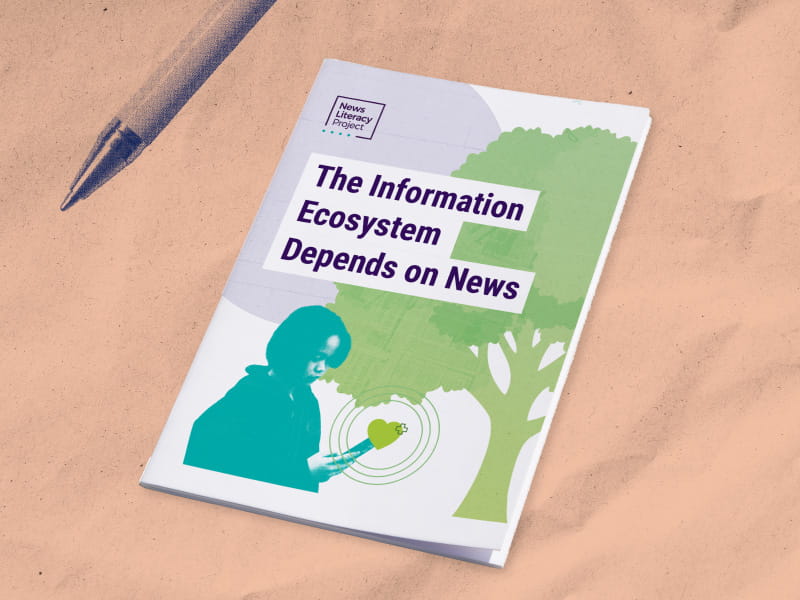
The Information Ecosystem Depends on News
Student Handout (8.5×11): The Information Ecosystem Depends on News
Reading Guide: The Information Ecosystem Depends on News

What is news?
💡 Mindful screen use tip: Use the interactive lessons “Practicing Quality Journalism” and “What is News?” as one-to-many activities to promote in-person class discussion.
What printable resources do you recommend for families, community members and others interested in supporting news literacy skills for young people?
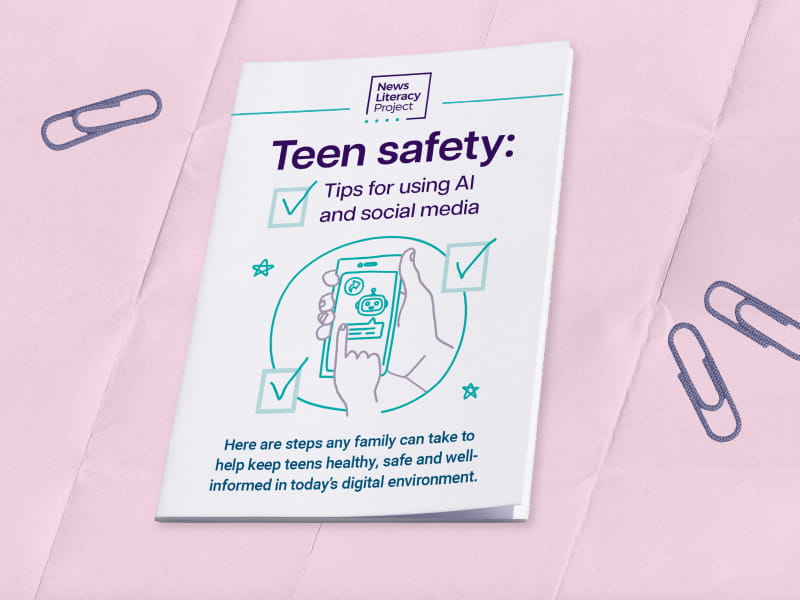
Teen safety: 6 tips for AI and social media
Scroll Smarter
For the media
Even as students seek ways to unplug and learn offline, families, schools and policymakers are looking for ways to help kids safely navigate the online world. The News Literacy Project has experts available to discuss digital literacy, social media and AI, among other topics such as:
- What are some tips for parents to help teens stay safe online?
- How can schools teach students to use AI tools responsibly?
- How can I tell if information online is credible?

Christina Veiga
Senior Director
Media Relations
media@newslit.org

Donate
Help us reach more educators and boost critical thinking for students across the country with interactive materials like these. Donate to NLP today or join the Inkwell by starting a monthly gift.